Download the Venmo app
Get down to business on Venmo.
Getting started is easy—just create a business profile from the Venmo account you already have. You’ll keep business and personal payments separate, offer customers flexible ways to pay, and use built-in tools designed to grow with your business.
Offer new ways to pay.
Venmo business profiles let you accept more of your customers’ favorite payment methods using only a mobile device.*
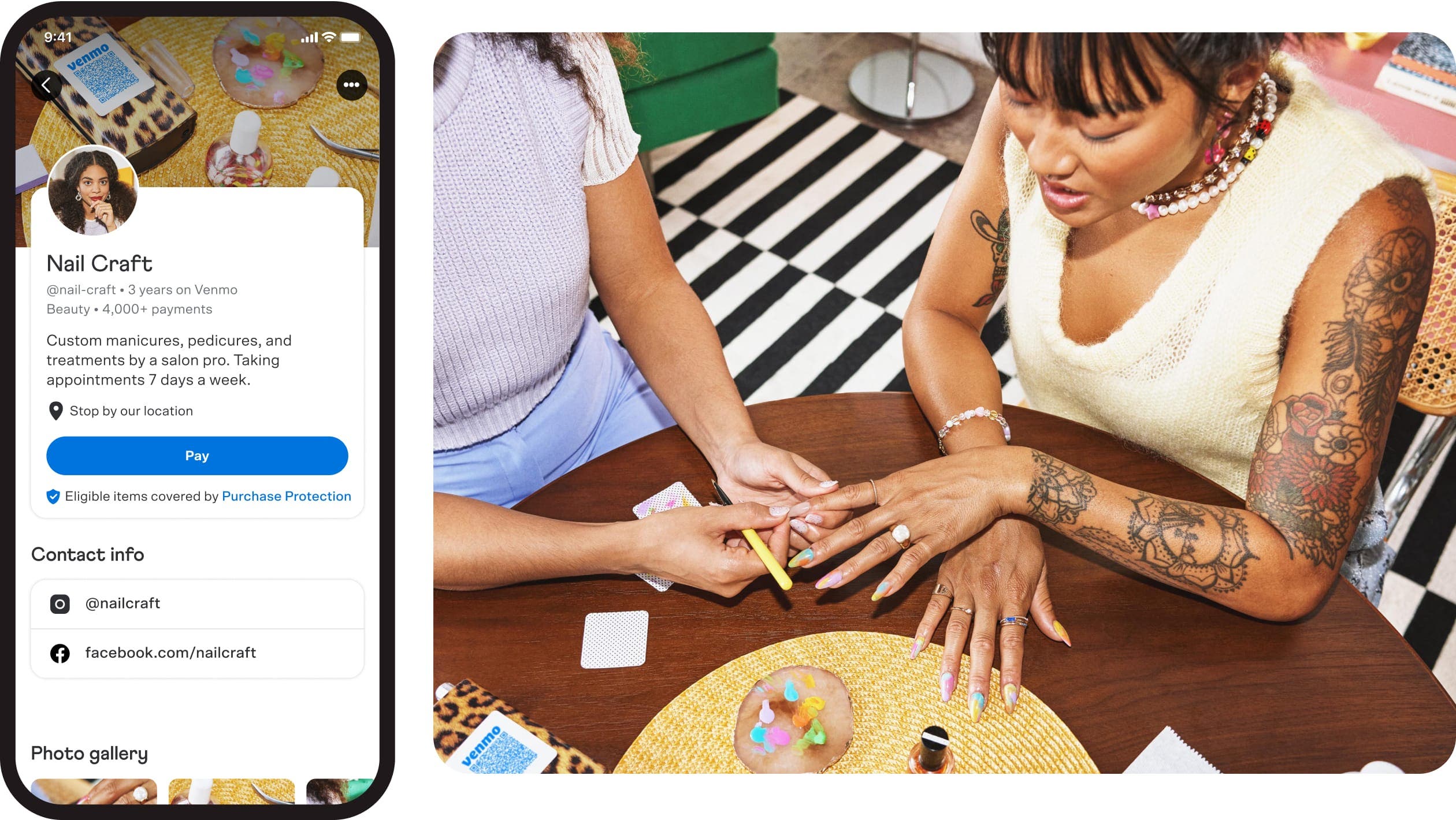
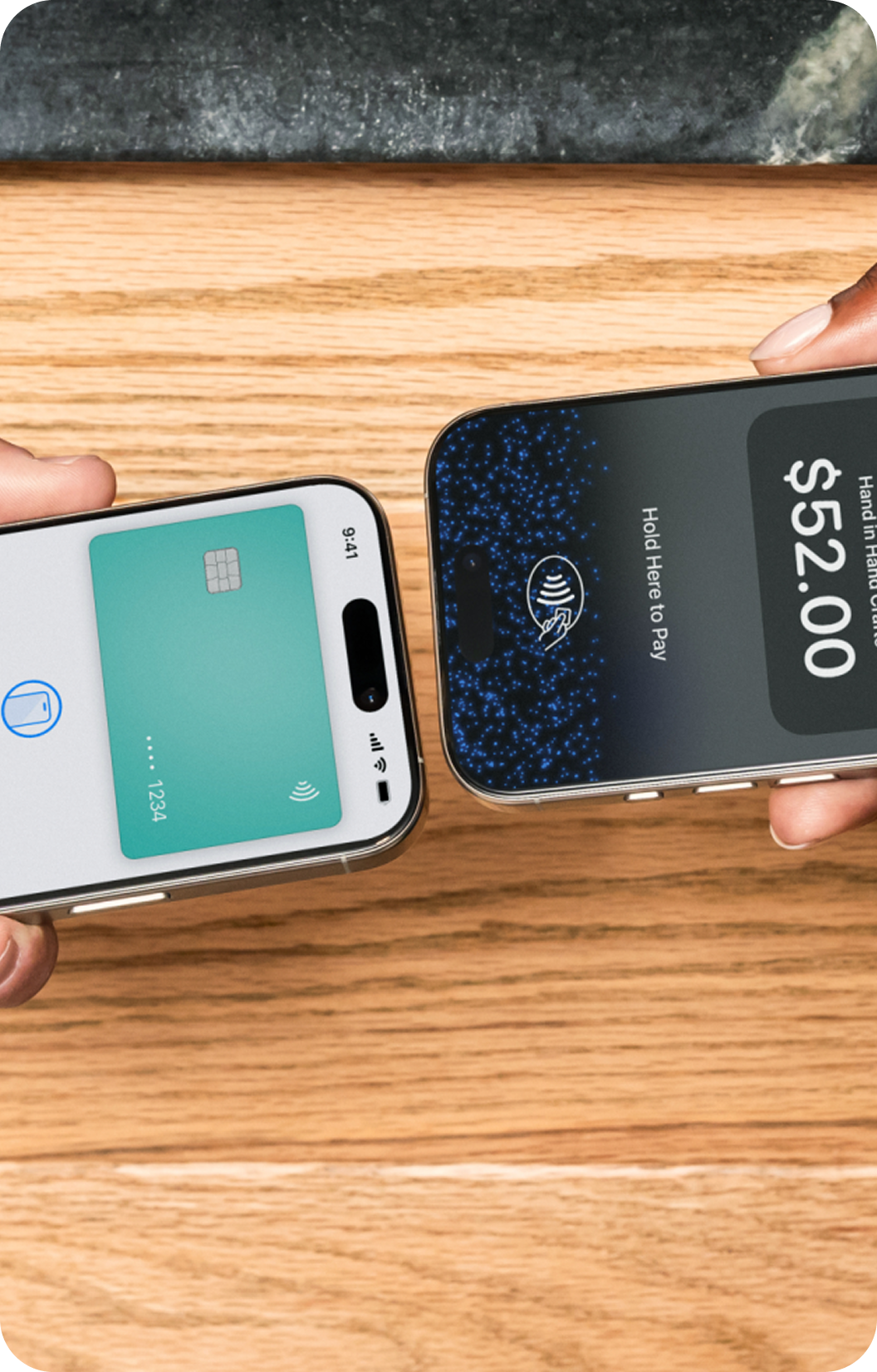
Accept contactless payments or digital wallets with Tap to Pay
Receive direct payments

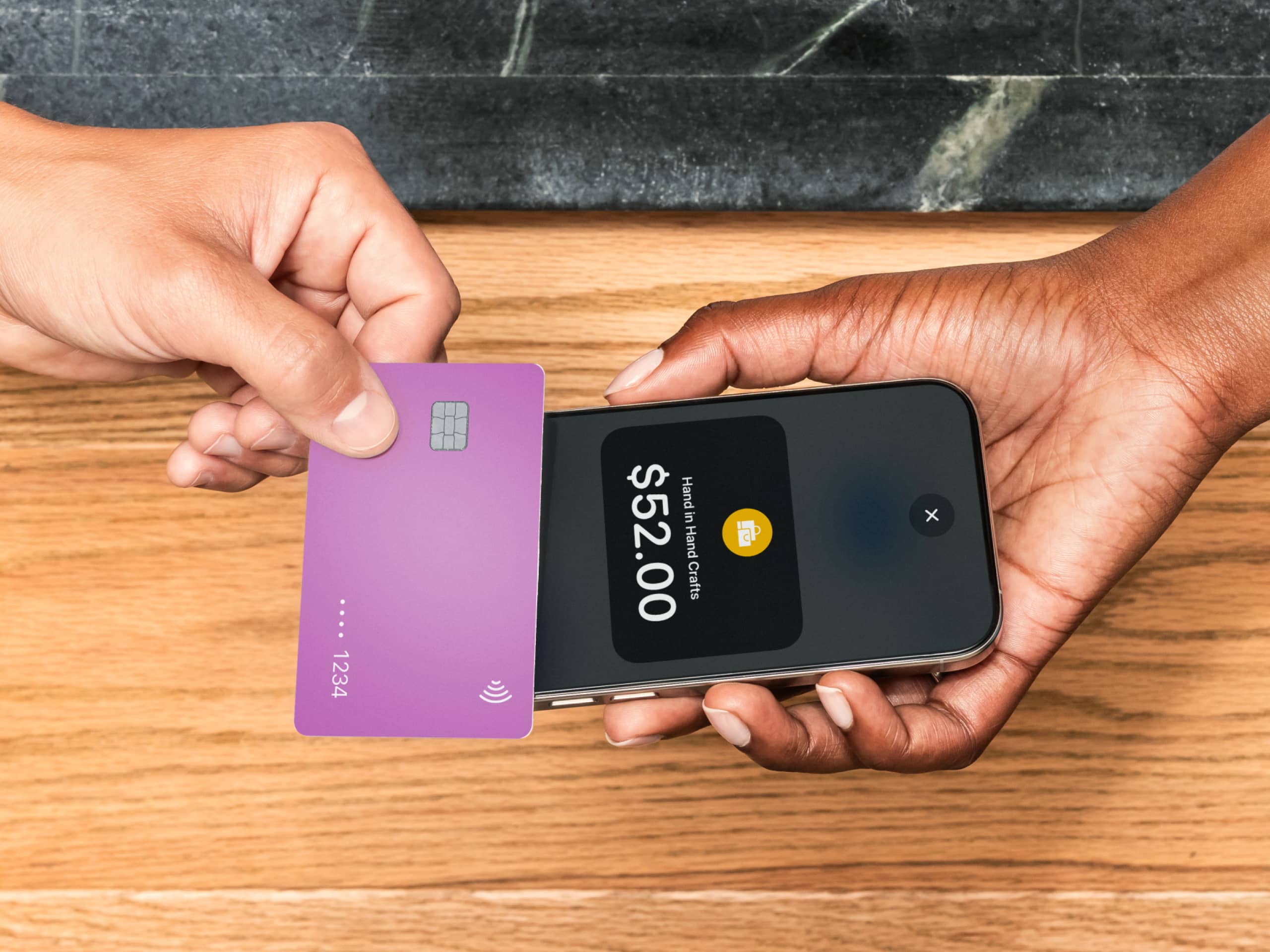
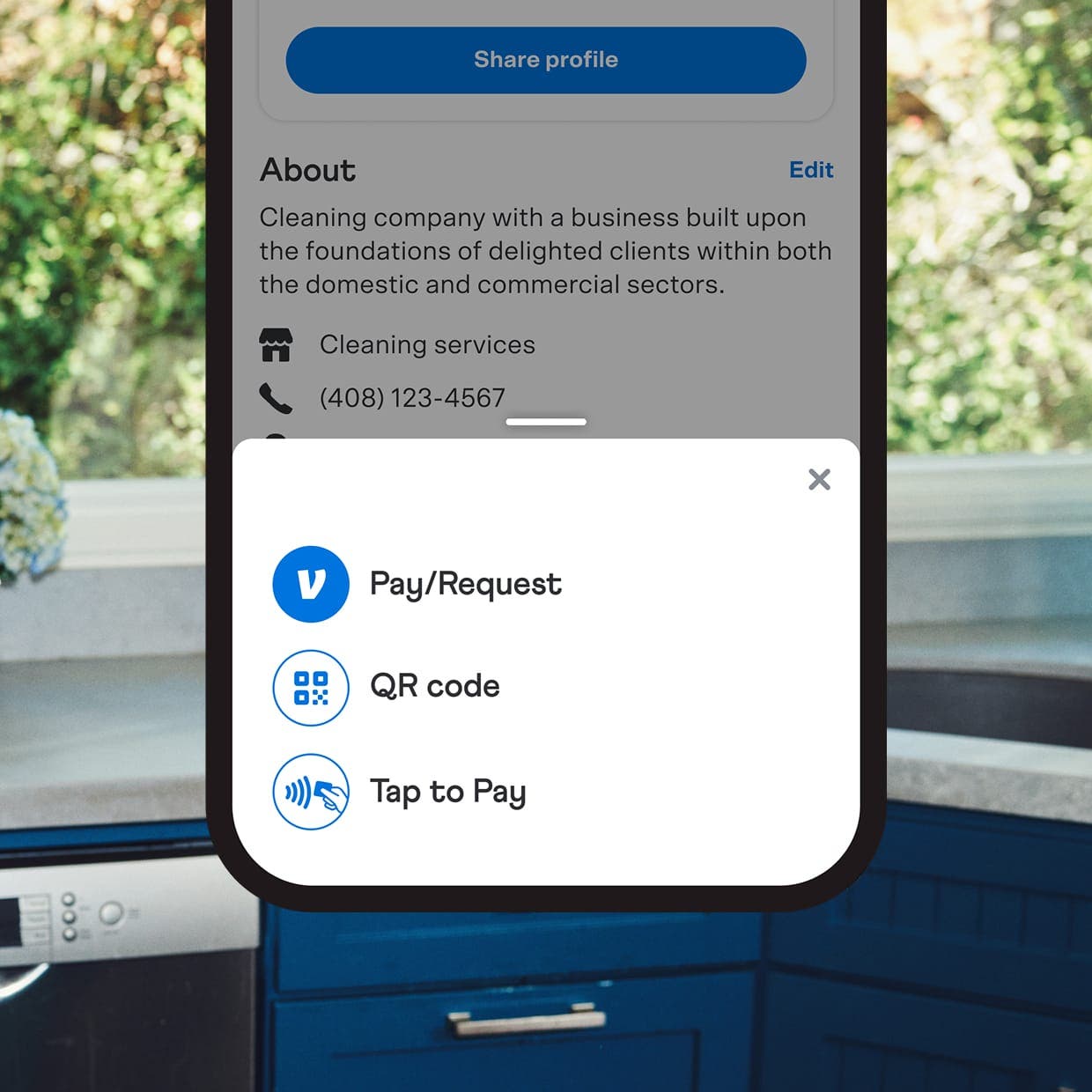
Let customers scan your personalized QR code
Easy and organized.
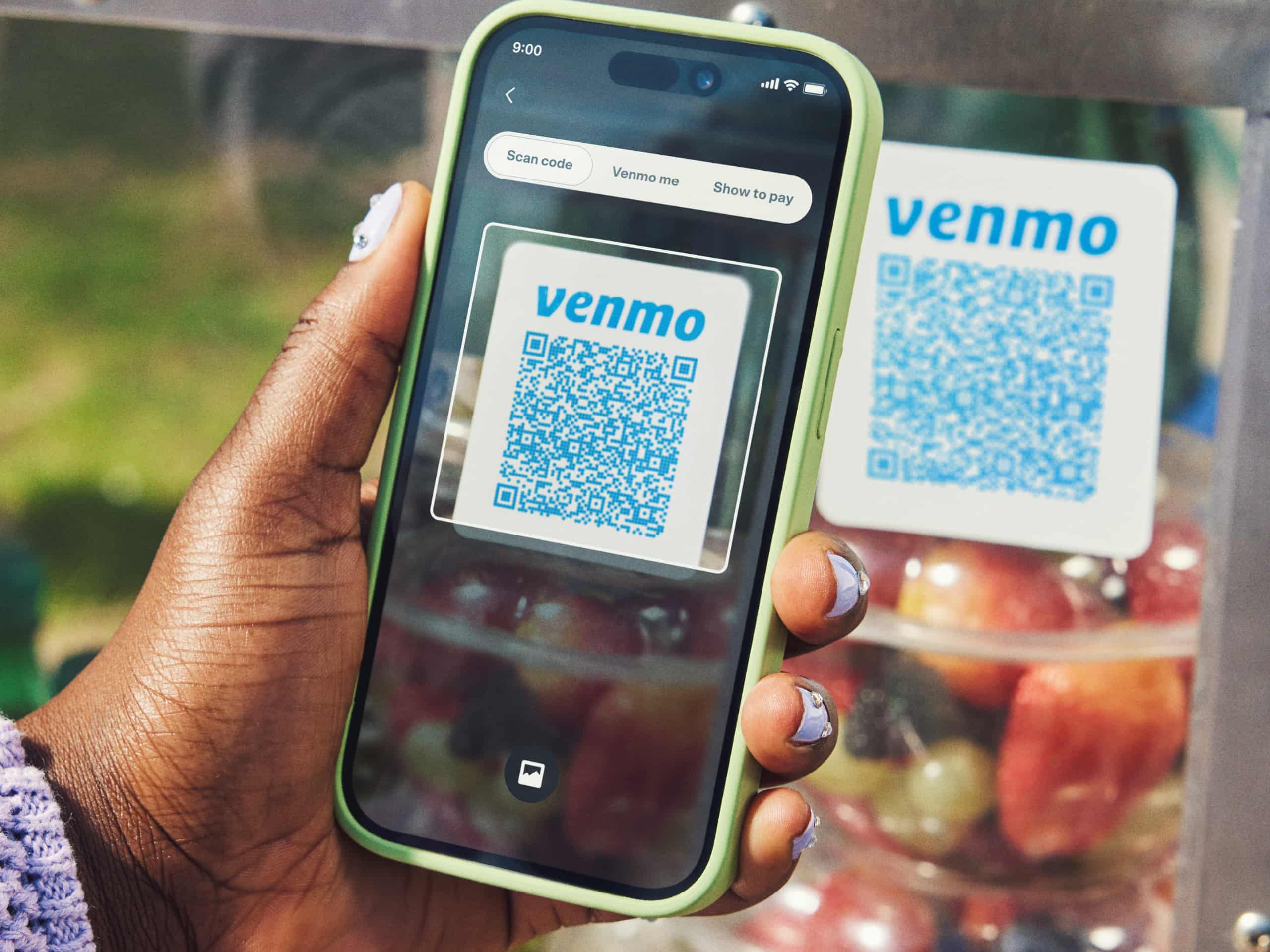
Enjoy low, transparent fees with no monthly costs or surprises.1 Set up your business profile under your current Venmo account, switch between personal and business in a tap, and keep everything organized in one place.
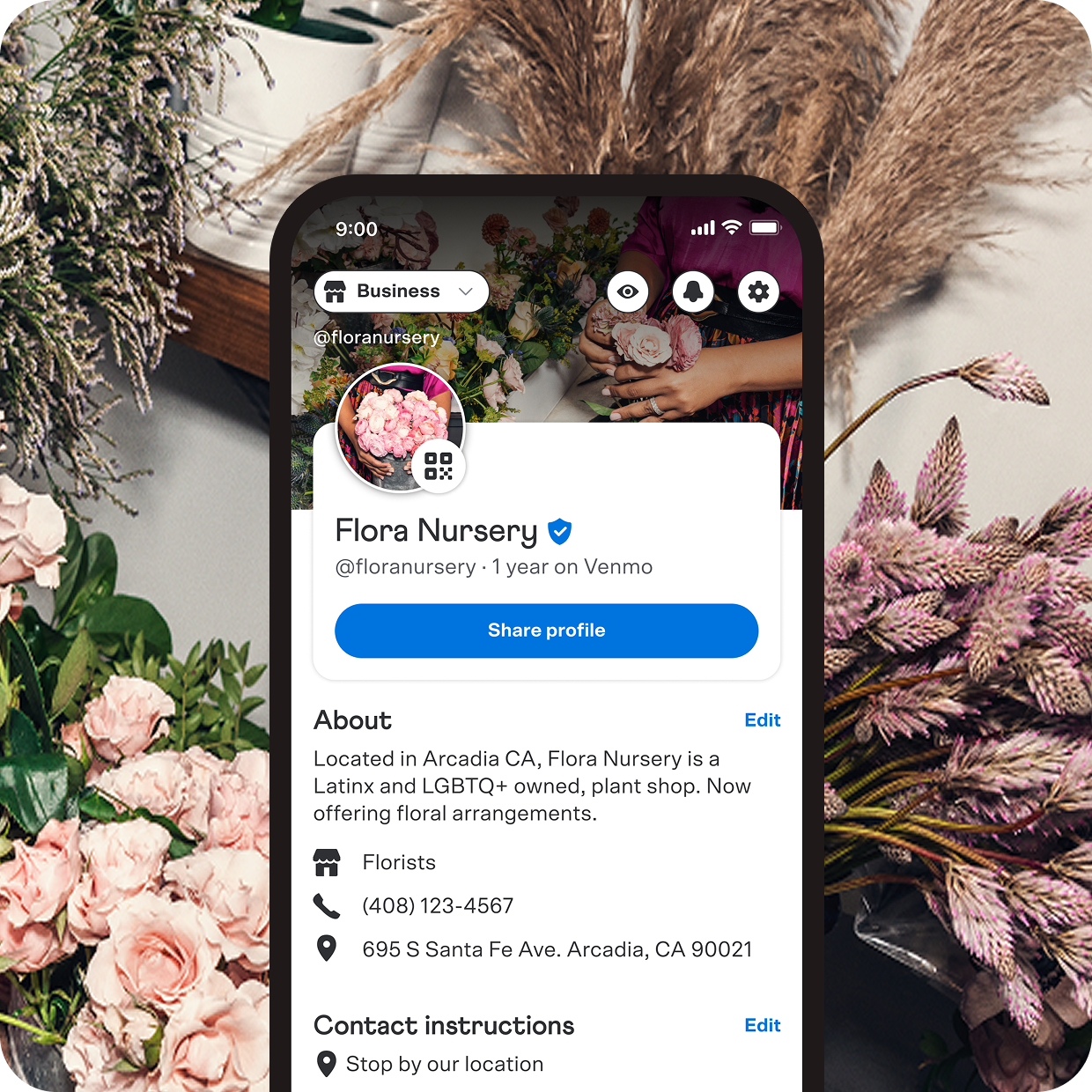
Polished and professional.
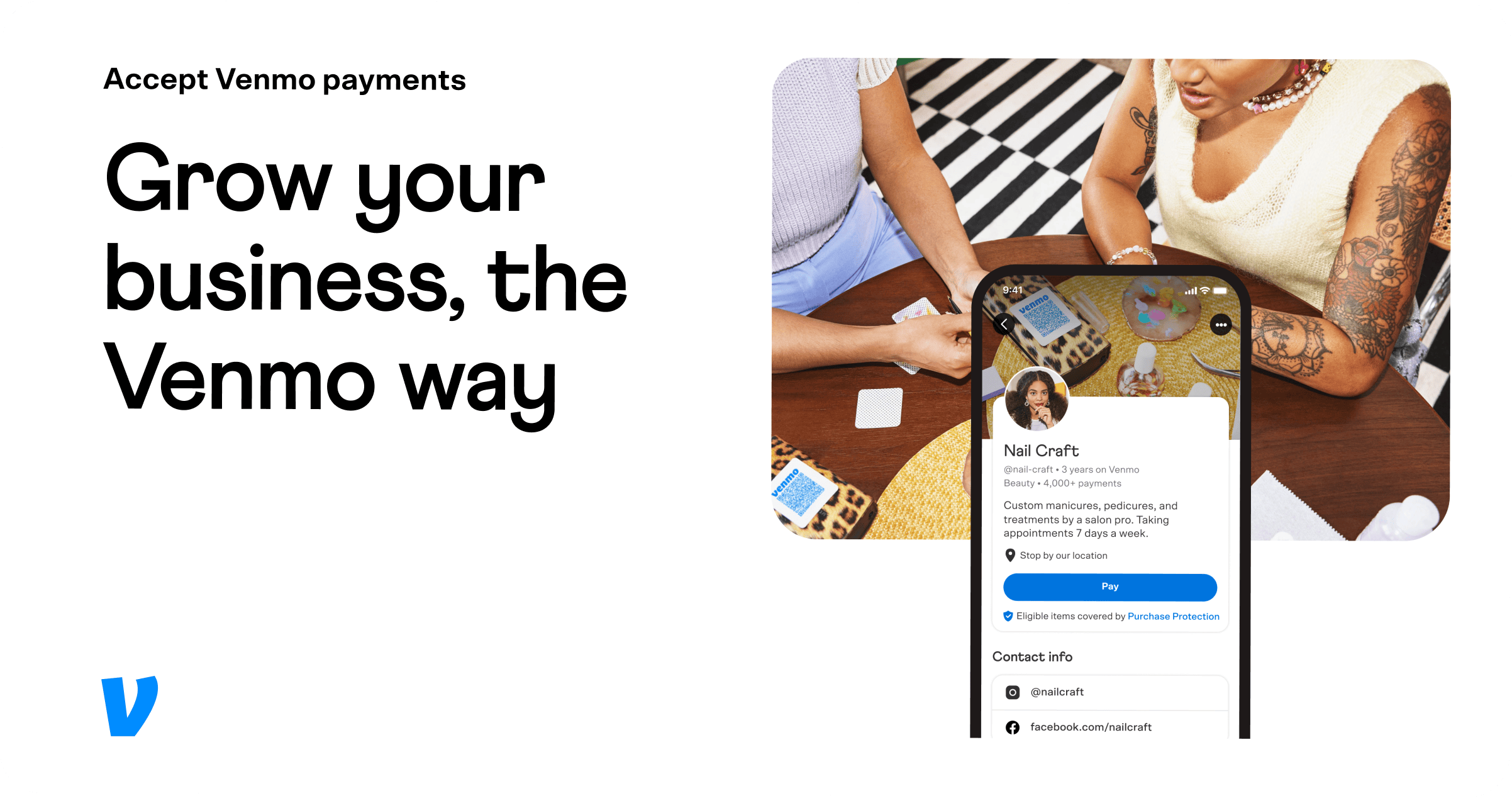
Add a profile pic and background image, and your profile will appear prominently in customers’ feeds when they share that they bought from you. Plus, add even more images to your photo gallery to give customers the full picture of your business.

Make sales just about anywhere.
With a business profile, you can accept Venmo, contactless payments, and digital wallets. Tap to Pay delivers smooth, on-the-go checkout, while your QR code offers a fast, no-fuss way to pay—all in the app.
Get started to make your phone a payment terminal.
Transparent fees.1
2.9% + 9¢ = Tap to Pay transactions
1.9% + 10¢ = Direct payments and QR code payments
Simple and secure.
Venmo helps keep transactions secure with data encryption, fraud monitoring, and PCI DSS compliance to give you and your customers peace of mind.
Speedy setup.

01
Get started
If you already have a personal profile, open the Venmo app and go to the Me tab. Tap the Personal button in the top left corner, then tap Create a business profile. If you are new to Venmo, start here.
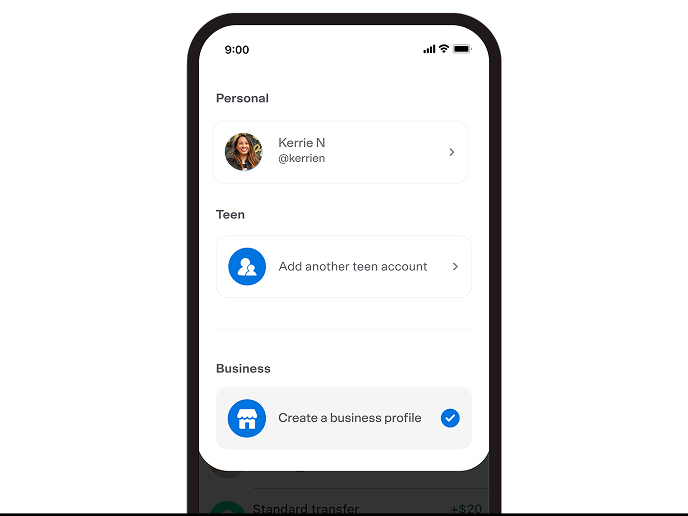
02
Customize
Add business details to show potential customers what makes your brand special. Be sure to include a profile picture and background photo.
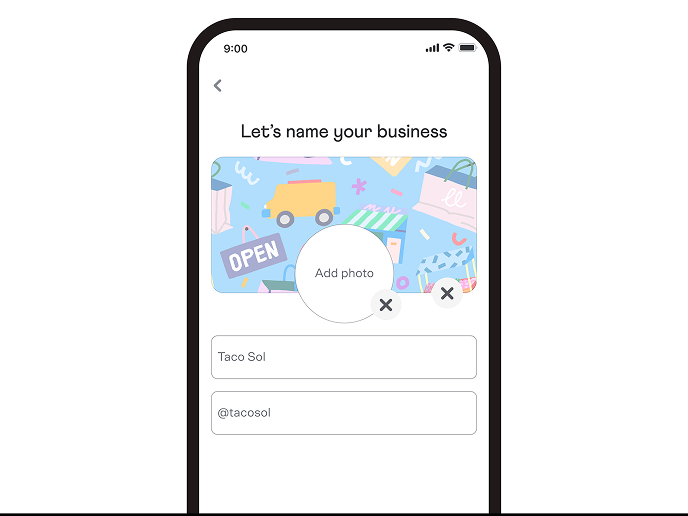
03
Publish profile
Tap the Publish button, and you’re in business. Venmo users will be able to find and pay your business in the app right away.
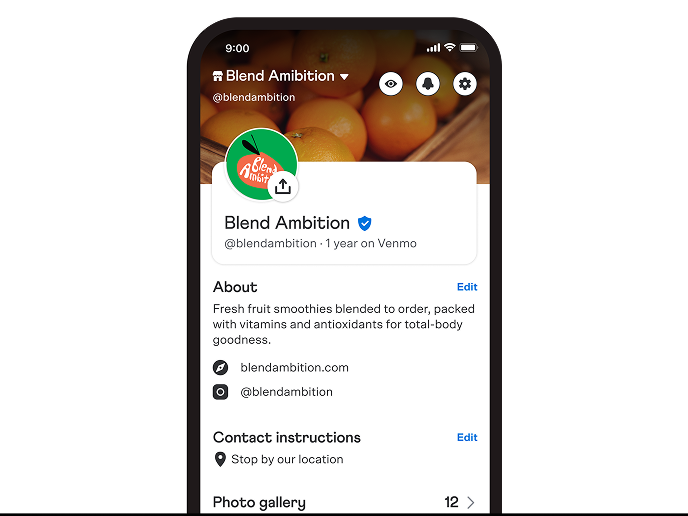
Where your business gets done.
Launch a business profile from your personal account, keep transactions organized, and accept payments your customers already use. Simple to start. Built to scale.
A business profile is a way to accept payments for your business on Venmo. It’s linked to your existing Venmo account so you don’t need to open a second account, but is a completely different profile—so you can keep business and personal transactions separate.
No, your business profile is attached to your original Venmo personal account, so there’s no need to open a new account. In fact, you’ll be able to easily switch to and from your new business profile with a few simple taps.
Follow these easy steps:
(1) Go to your Venmo app and tap on your profile picture in the top left corner.
(2) A window will drop down showing both your original Venmo personal account and business profile.
(3) Tap on the preferred icon to access.
The seller transaction fees charged to business profile owners covers the cost of providing Business Profile-exclusive features, including enhanced payment processing, tax reporting, and dispute services. Fees are in line with industry standards and are non-refundable.
The owner of a business profile is charged a low fee for every payment they receive that’s over a dollar. The seller transaction fee for payments made through a Venmo business profile is a standard rate of 1.9% + $0.10 of the payment. For payments accepted using Tap to Pay, the seller transaction fee is 2.9% + $0.09 of the payment. That means that if the business profile is sent a $100 payment through Venmo, $2 of the payment would be charged as a seller transaction fee and the owner of the profile would receive $98. If the business profile accepts a $100 payment using Tap to Pay, $2.99 would be charged as a seller transaction fee and the owner of the profile would receive $97.01. See all fees.
We’ve built business profiles for individual sellers, sole proprietors, and registered businesses. People with side gigs, small businesses, and everything in between have signed up for a business profile: artists, photographers, professional services, health and beauty shops, and much more. We’re making business profiles available for all sellers who have an existing Venmo account. To create a profile:
(1) Go to the Venmo app’s main menu (☰)
(2) Tap on the “Business Profile” option
(3) Follow the steps from there to apply for and sign up for your profile
(4) For more tips, review the content on the Venmo Business Profile FAQ
Go to your business profile settings in the Venmo app, tap Tipping, and turn the toggle on.
At this time, business profiles can only be managed in the Venmo app.
If you log in on a desktop computer, you can download your business statements and tax documents, but other business profile features—like viewing transactions, sending invoices, or managing your profile—are only available in the app.
For security reasons, only the individual who creates the business profile connected to their existing Venmo account can log in and access the profile.
You can update your business profile in a few easy steps:
(1) access your business profile
(2) go to the Venmo app’s main menu on the right (☰)
(3) tap “Settings”
(4) tap “Edit Business Profile” to edit your photos, business username, and more.
Nonprofits are not eligible to use a standard Venmo business profile. If you're a registered nonprofit organization, you can sign up for a Venmo charity profile instead.
To learn more about eligibility requirements and how to set up a charity profile, visit our guide here.
We follow Venmo’s P2P limits outlined here: https://help.venmo.com/hc/en-us/articles/221010968-Payment-Limits.
